How to export lists to email candidates
Learn how to export candidate search results so you can reach out to them via your preferred email tool.

Mathias Beke
Tech Lead

Adeptiq allows you to export candidate search results so you can reach out to them via your preferred email tool.
Step 1: Go to Search a candidate
Navigate to the Search a candidate page in Adeptiq.

Step 2: Enter your search criteria
Type in the profile you're looking for using plain language. For example: "Java developer with 5 years experience in Brussels" or "Marketing manager with B2B background". The AI will search your database for matching candidates.

Step 3: Review your results
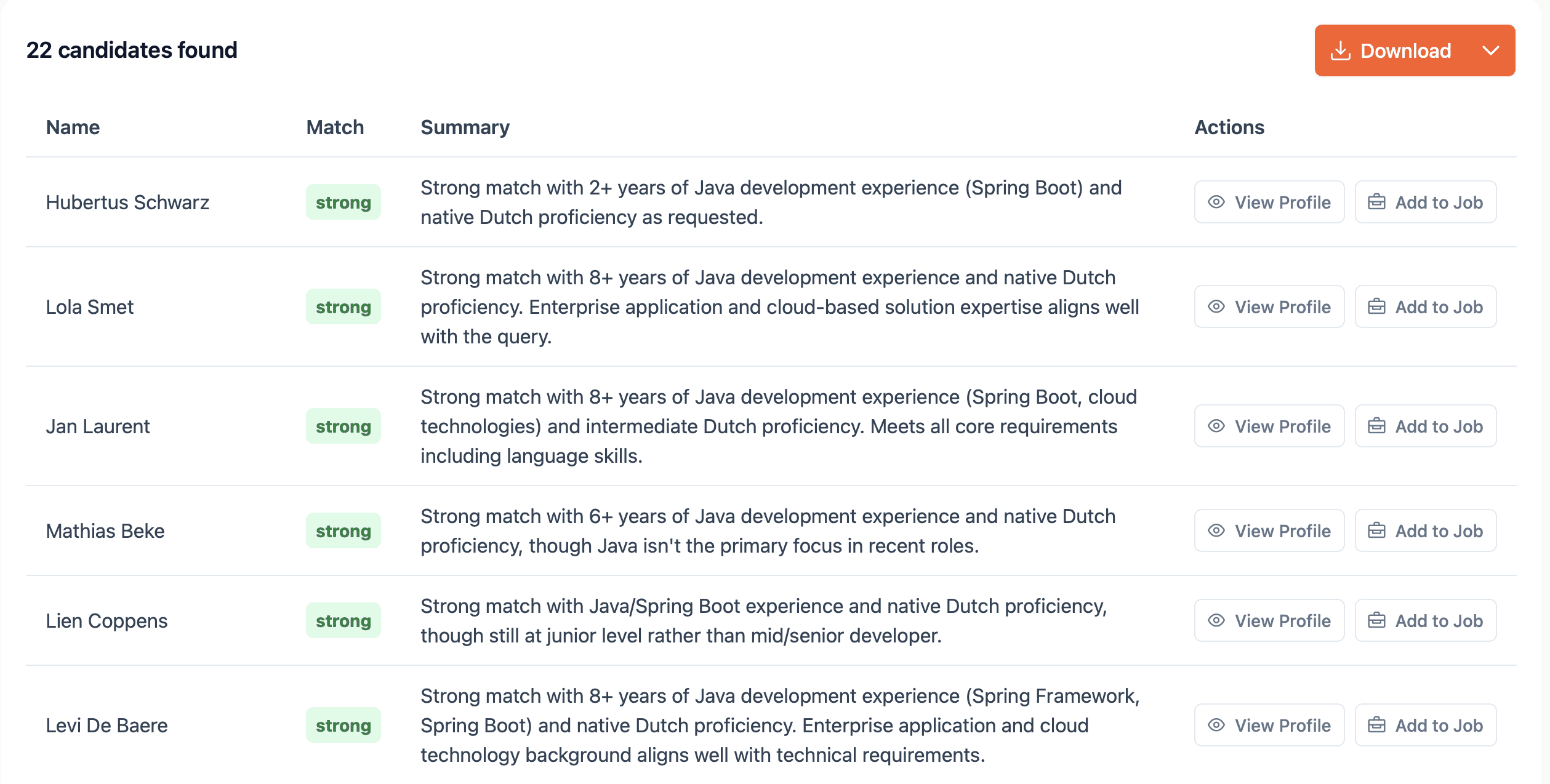
You'll see a list of candidates that match your search prompt. You can refine your search by adding or removing criteria if needed.

Step 4: Export the list
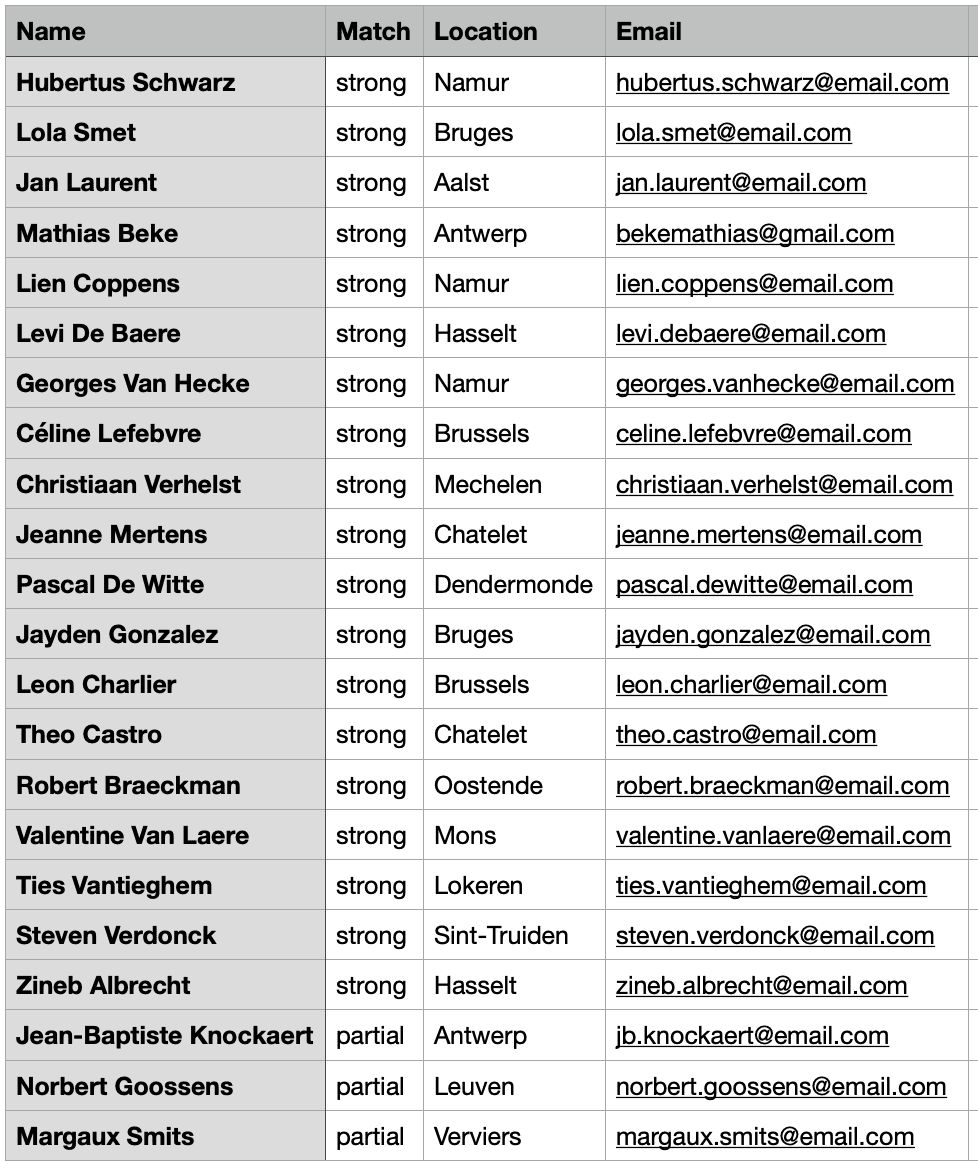
In the top right corner, click the orange Download button. This exports a CSV file containing the most important candidate data, including email addresses and phone numbers.
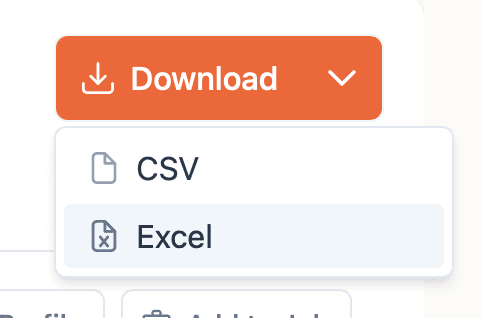
If you prefer an Excel file, click the arrow-down icon on the button and select XLS as the export format.
Step 5: Use the export in your email tool
Import the downloaded file into your email tool of choice to contact candidates. For example, to notify them about relevant job opportunities.