How to export my data
Learn how to download all the CVs you've uploaded to Adeptiq

Maxime De Roeck
Product Lead

You can download all the CVs you've uploaded to Adeptiq as a single zip file.
Step 1: Open the user menu
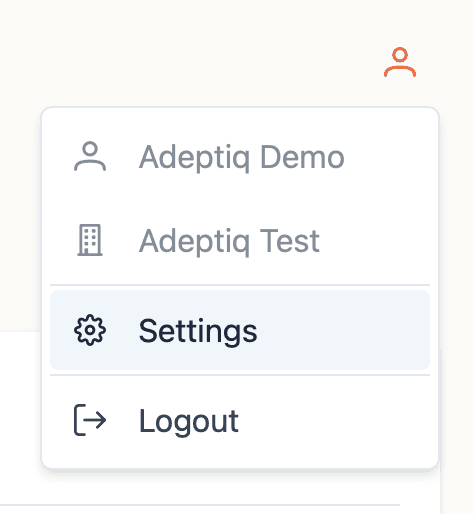
Click on the user icon in the top right corner of Adeptiq.

Step 2: Go to Settings
In the dropdown that appears, select Settings.
Step 3: Navigate to Export
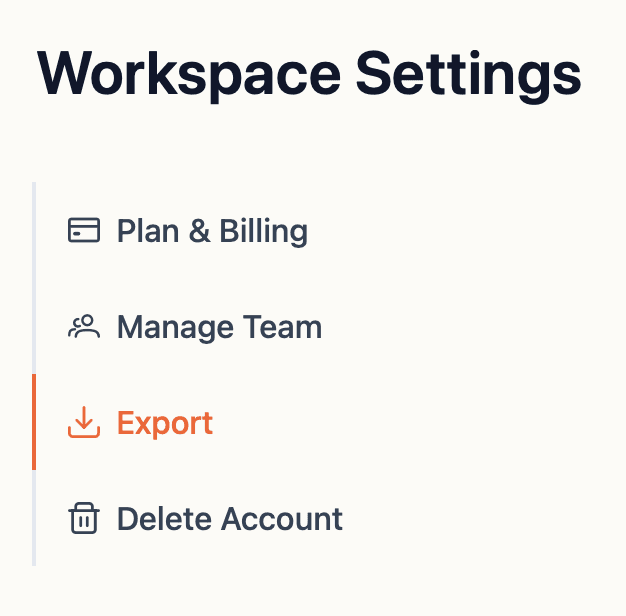
In the side navigation on the left of the page, click Export.
Step 4: Export your resumes
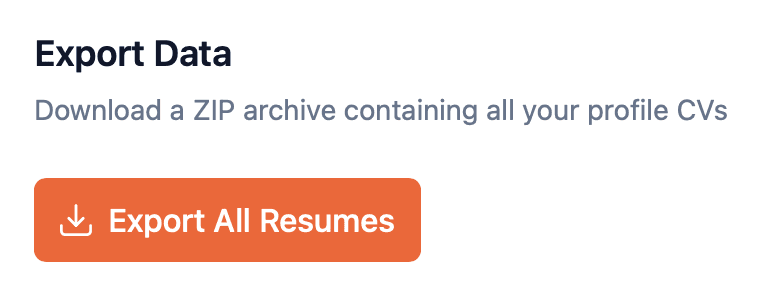
Click the orange Export all resumes button.
Step 5: Download complete
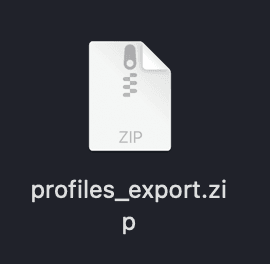
A zip file will be downloaded to your computer, containing all the CVs you have uploaded to Adeptiq.