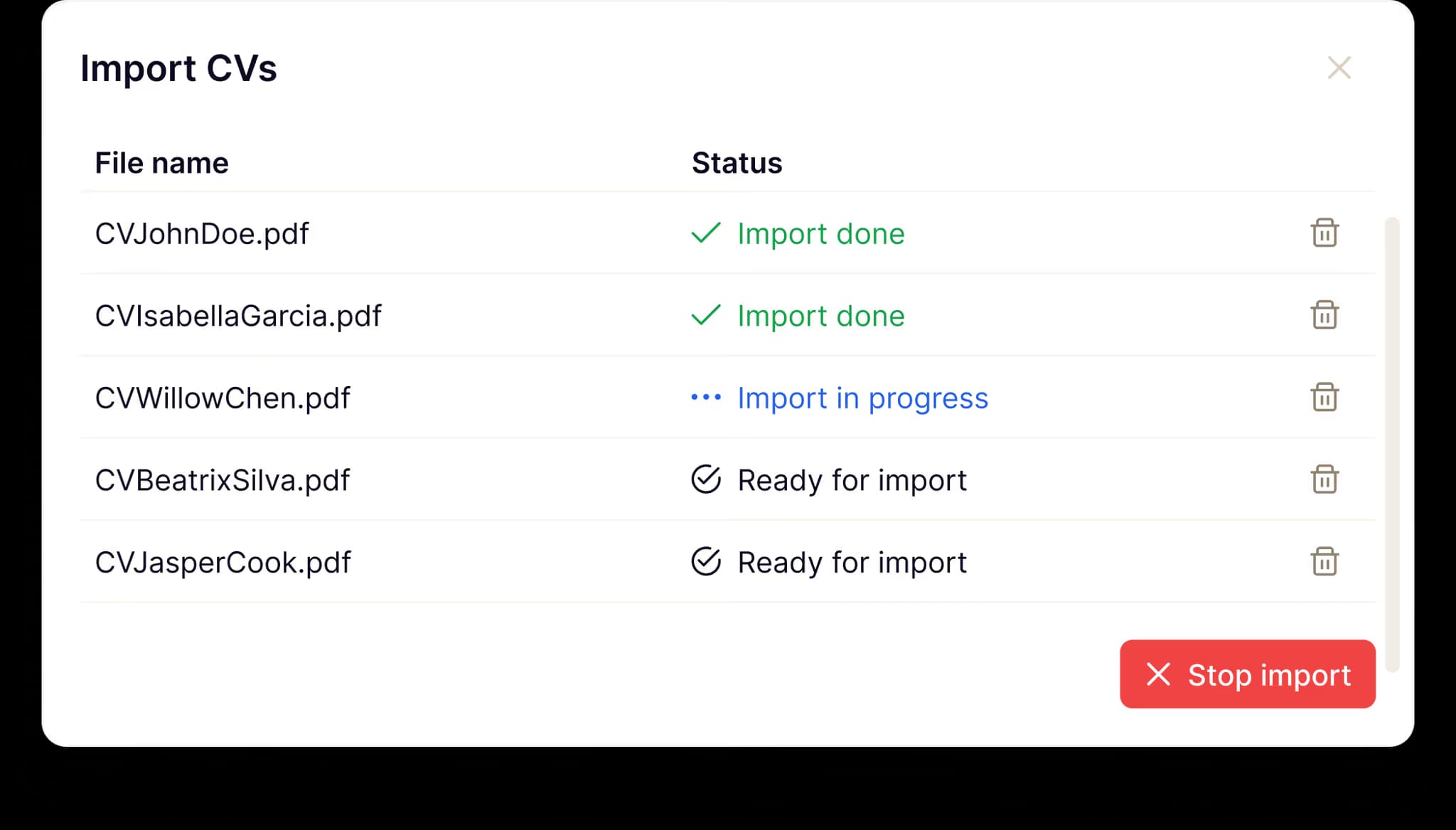
Your current ATS imports CVs. Then what?
Most ATS tools can parse CVs. They just do it badly. You end up correcting more than you'd type from scratch.
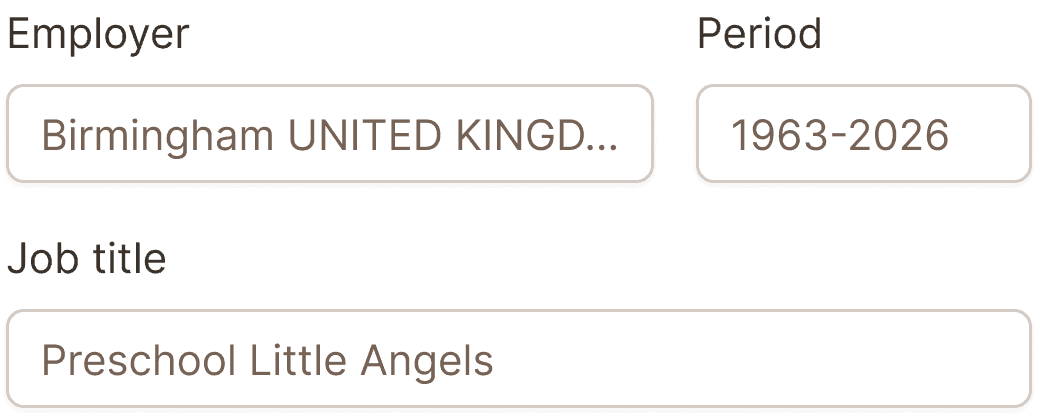
Ours works better.
Reads like a human.
Context-aware. Our importer understands that "5 years at Google" means the employment period. Not the candidate's age.

Beauty is on the inside.
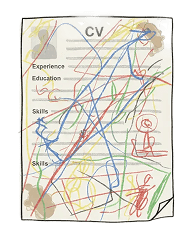
Looks don't matter. Adeptiq handles everything from timeless two-column CVs to landscape layouts (yes, some people do this).
Doesn't break on typos.

Real CVs have typos. Sometimes lots of them. Our AI knows what field it's reading. Typos in common words get corrected. Proper nouns stay as-is. Simple.
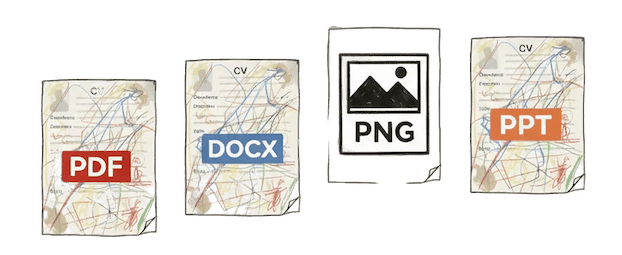
Works on real CVs
Not just clean two-column PDFs. We tested on thousands of real-world CVs from actual job applications. Messy .docx files, weird PNGs, the "I made this in Canva" ones.
Import it, forget it
Extraction you can trust. When you open a candidate profile, it's actually ready to use. Not a first draft you need to edit.
One CV or a hundred at once
Process multiple CVs in bulk. Drag an entire folder of files into the system. Our AI processes all of them simultaneously and creates accurate profiles for each candidate.
Frequently asked questions
PDF, Word (.doc, .docx), plain text, and images (JPEG, PNG). You can even upload a photo taken with your phone of a printed CV.
Yes, the AI can process CVs in multiple languages and extracts the data correctly regardless of language.
Usually 5-10 seconds per CV.
Yes. The AI is trained to handle different formats. Single column, multi-column, tables, graphics, unusual layouts... It looks for the information itself, not where the information is positioned.
All uploads are encrypted. CVs are processed on secure servers and never used to train external AI models.