How to link candidates to a job
Learn how to link candidates to your open jobs

Maxime De Roeck
Product Lead

There are two ways to link candidates to a job in Adeptiq: through AI search or directly from the job funnel.
Option 1: Via AI Search
Use this method when you want to search your entire database for matching candidates.
Step 1: Go to Search a candidate
Navigate to the Search a candidate page in Adeptiq.

Step 2: Enter your search criteria
Type in the profile you're looking for using plain language. For example: "Java developer with 5 years experience in Brussels" or "Marketing manager with B2B background". The AI will search your database for matching candidates.

Step 3: Review your results
You'll see a list of candidates that match your search prompt. You can refine your search by adding or removing criteria if needed.

Step 4: Link a candidate to a job
Once you're happy with the results, click the Add to job button next to a candidate.

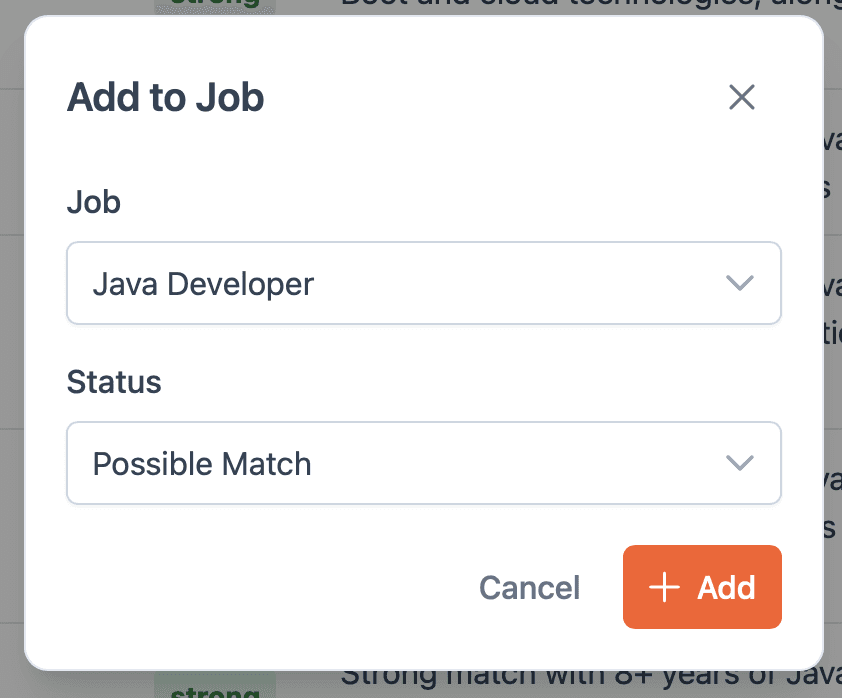
Step 5: Select the job and status
A popup opens where you choose:
The job you want to link the candidate to
The status for this candidate (this determines which lane of the job funnel the candidate will be placed in)
Click Add to confirm.
Step 6: Repeat for other candidates
Go through your results and repeat steps 4-5 for each candidate you want to add to a job.
Option 2: From the Job Funnel
Use this method when you're already viewing a job and want to quickly add candidates.
Step 1: Open the job funnel
Navigate to the detail page of the job you want to add candidates to.
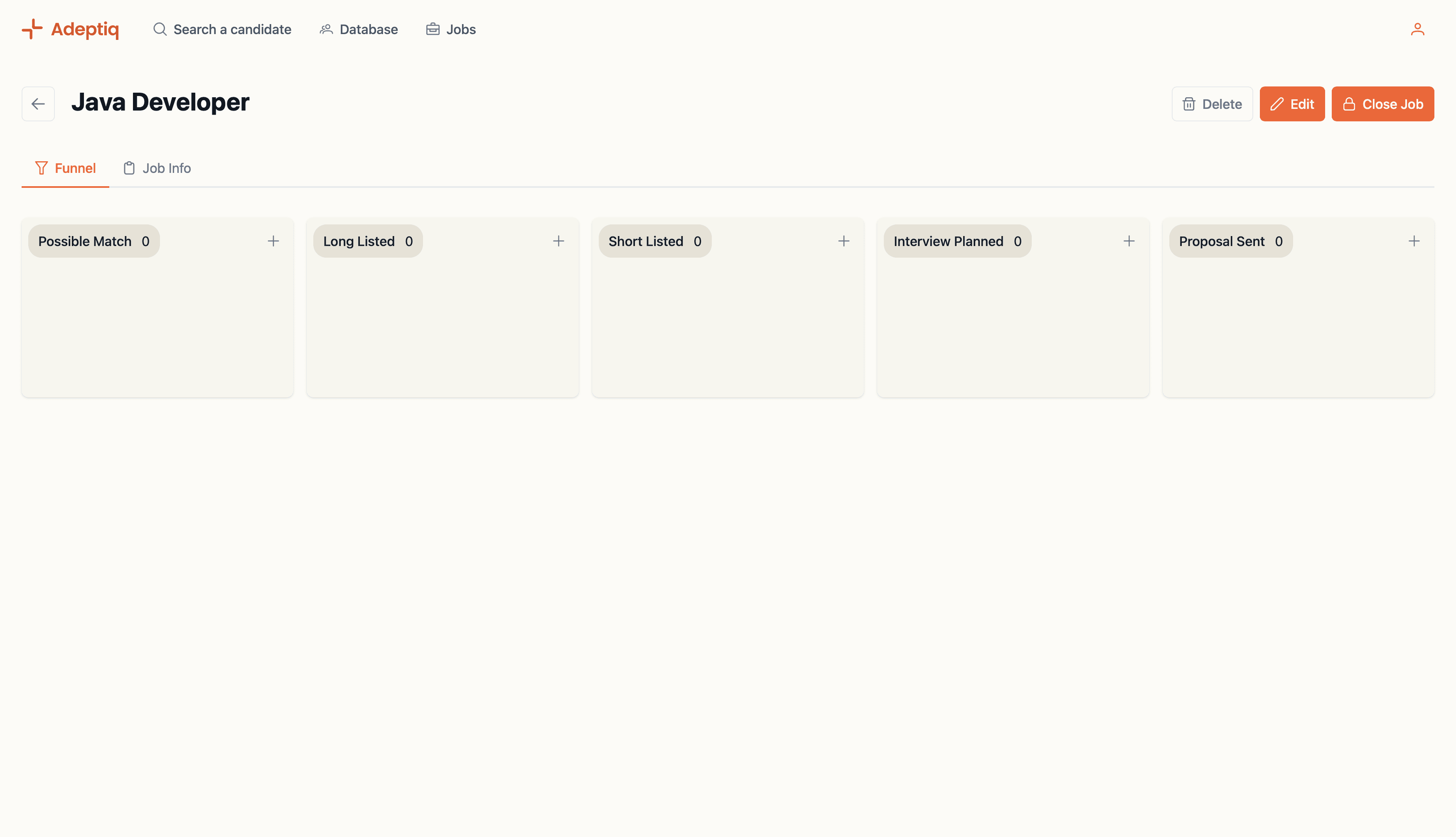
Step 2: Click the plus button
In the job funnel, click the plus button. A dropdown appears with two options:
Search potential matches – Opens the AI search to find candidates based on the job criteria.
Add manually – Lets you add a specific candidate by name.
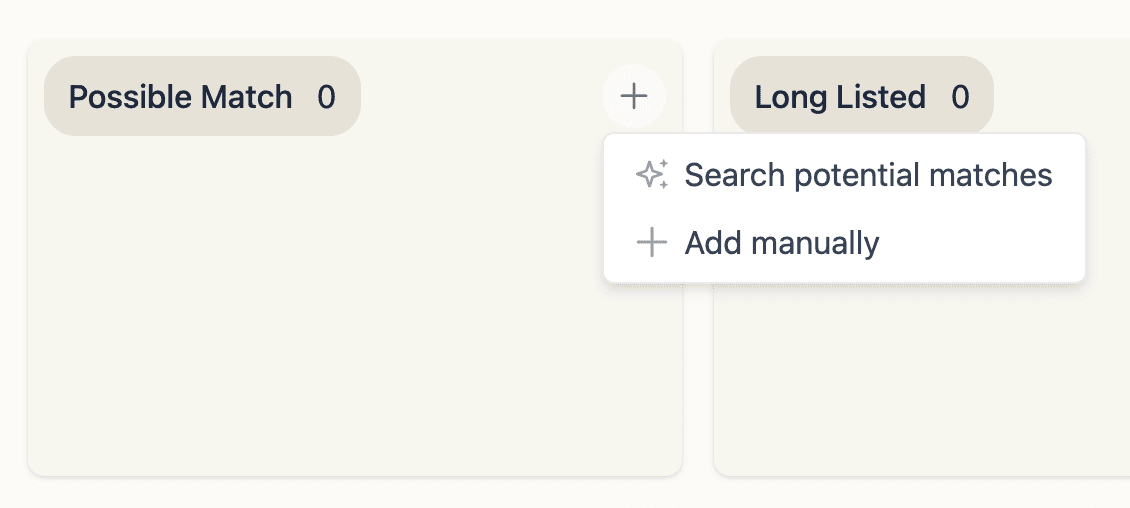
Step 3a: Search potential matches
If you select this option, the AI search opens. Follow the same steps as in Option 1 to find and add candidates.
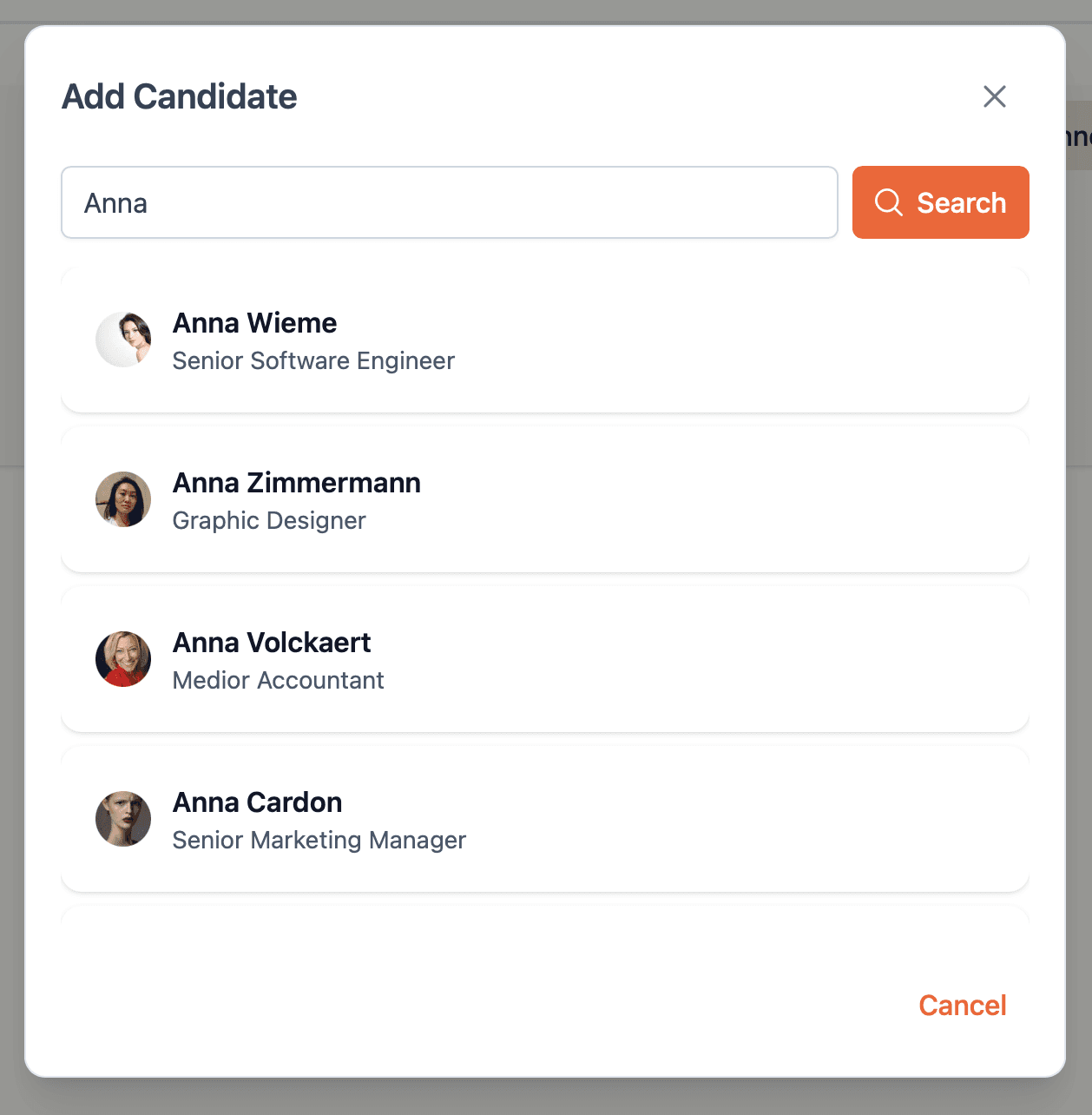
Step 3b: Add manually
If you select this option, a popup opens. Search for a candidate by name in your database, then click on their name to add them to the job.
View your linked candidates
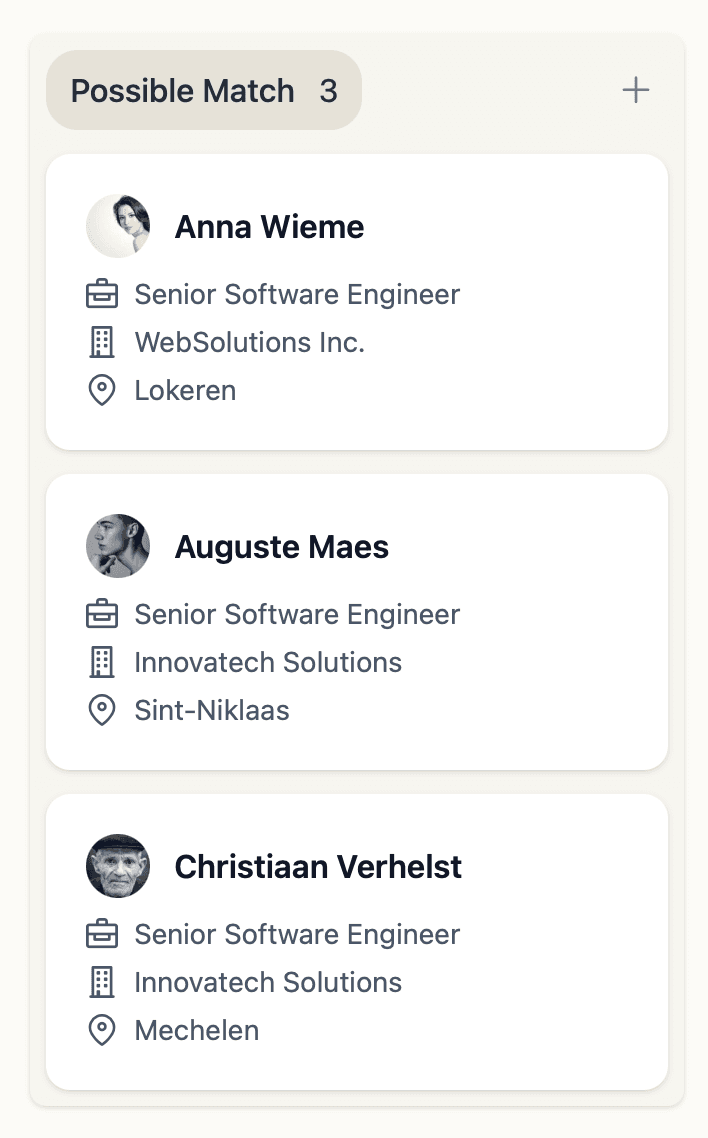
After adding candidates via either method, they appear in the job funnel organized by their status.