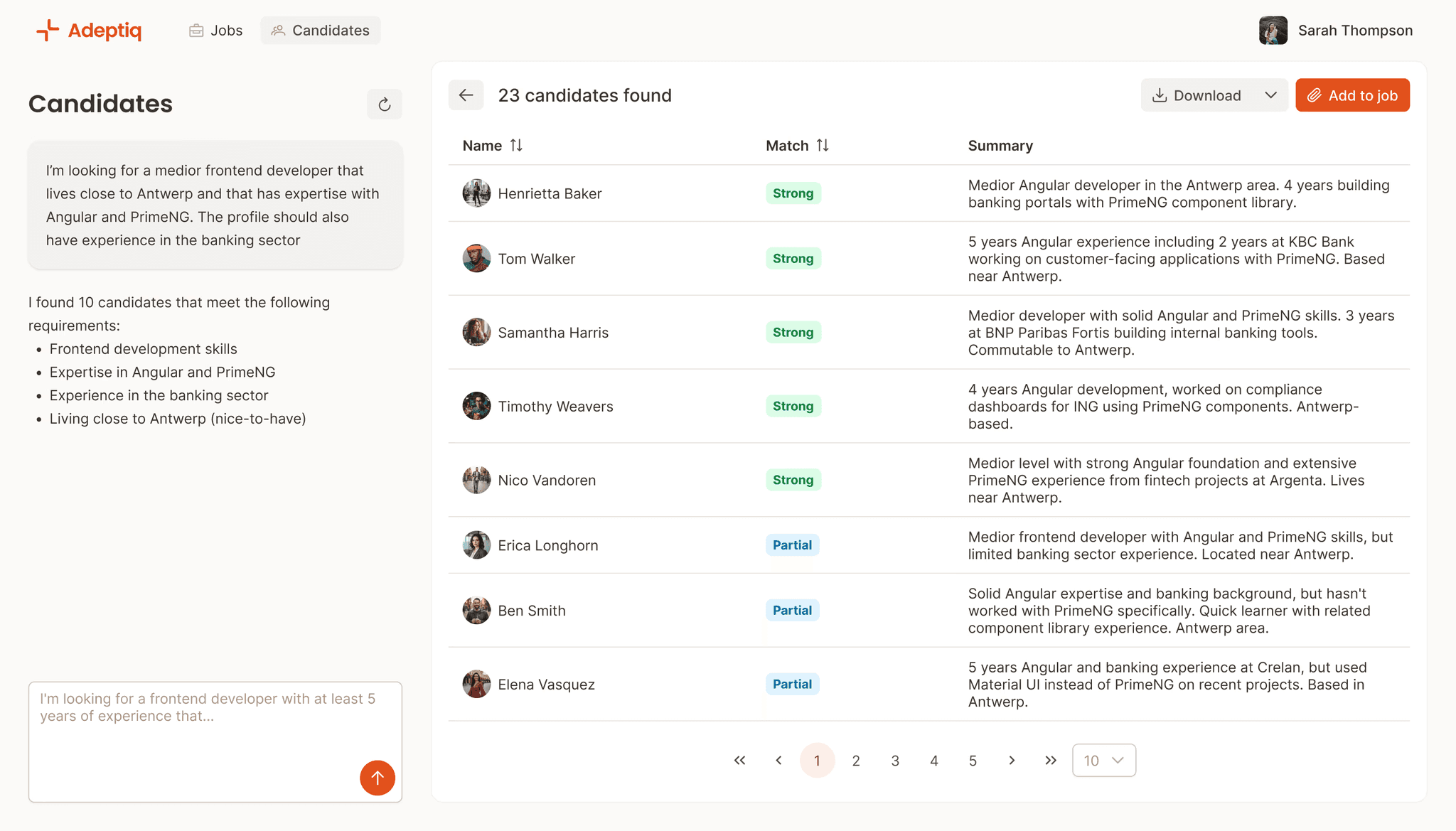
Searching candidates shouldn't require a manual
Most ATS search tools force you to guess which exact keywords and filter combinations will work. Get it wrong and qualified candidates stay hidden in your database, even though they're right there.

Adeptiq makes finding the right candidate a lot easier.
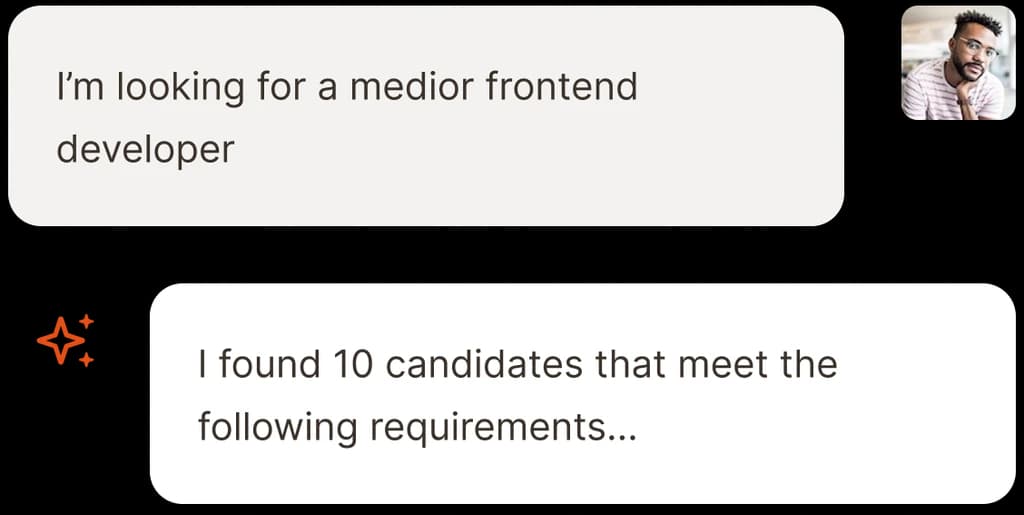
Just ask in plain language
Type your search the way you'd ask a coworker. No dropdowns. No "AND/OR" operators. No wondering which filter combination will work. Just plain English (or any other language).

Find the perfect match
Every result gets a match score and explanation. Our AI finds all candidates who might be relevant for your prompt, whether they tick all the boxes or just most of them.
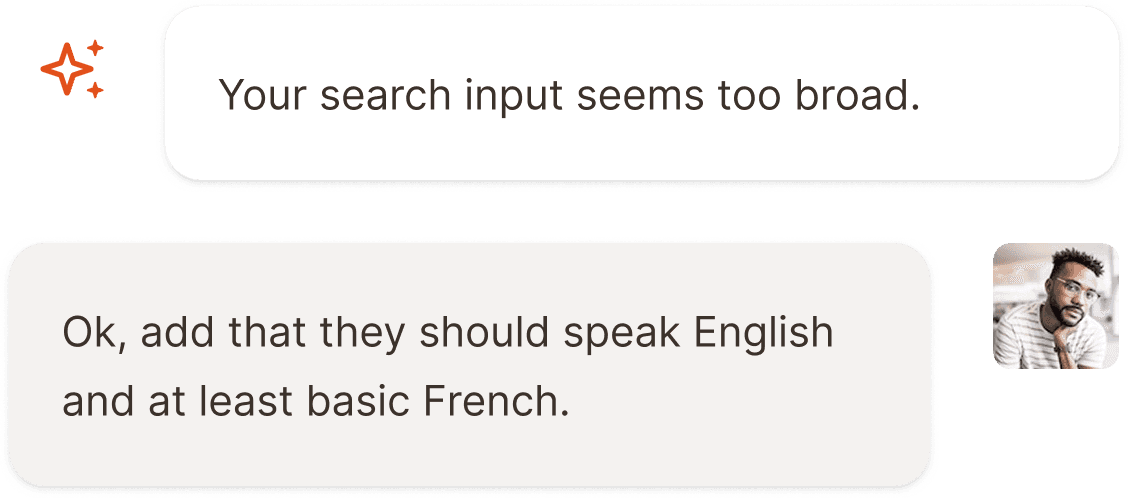
Adjust your search on the fly
Build further on your prompt. Found too many results? Too few? Just add more detail to your search. No need to start over.
Understands what you mean.
Our AI understands context and synonyms. You don't miss great candidates because they used slightly different terminology than you did.

From search to shortlist.
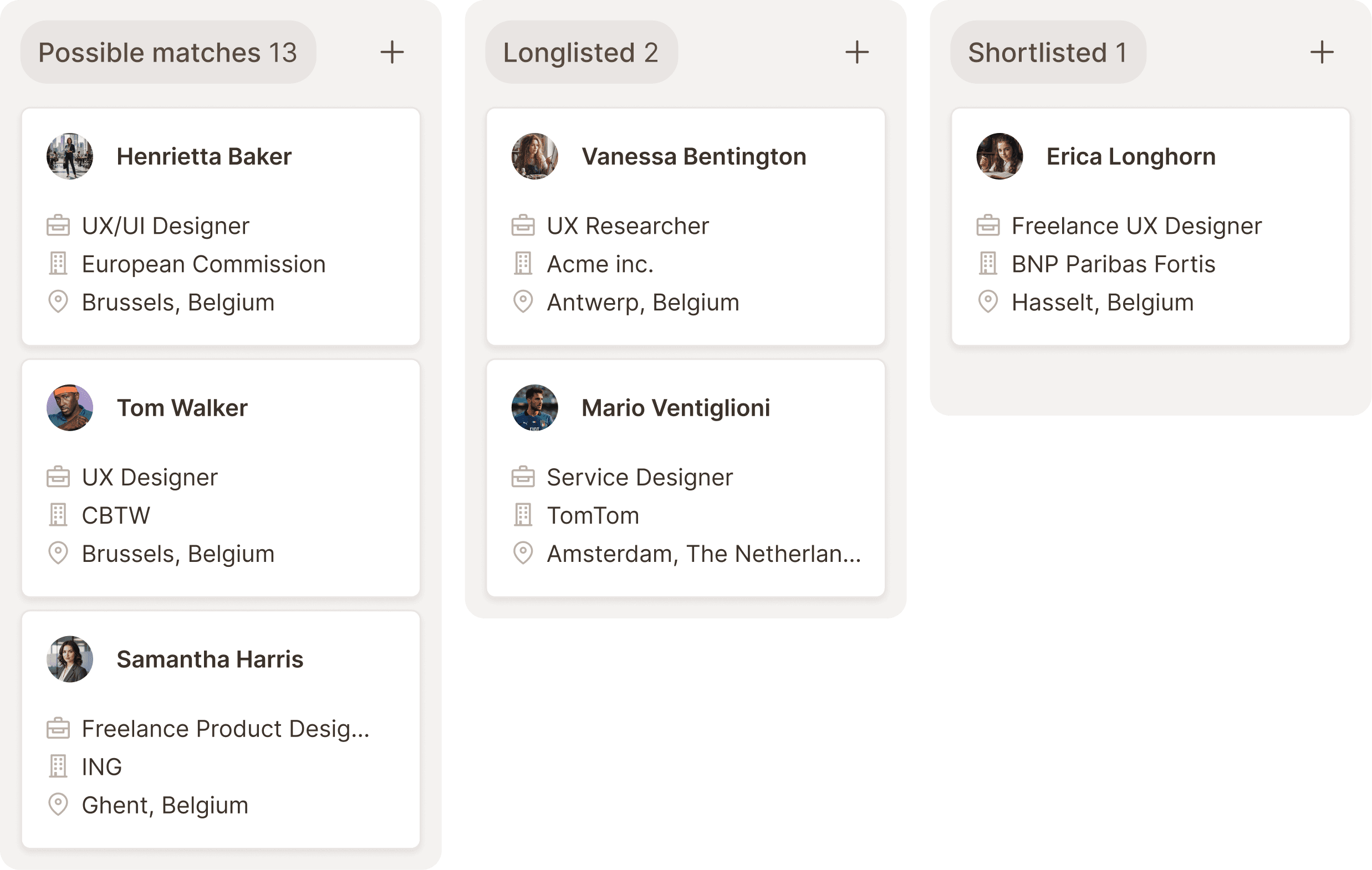
Found potential candidates? Add them directly to any job opening from your search results. Select candidates, pick a job and add themin your pipeline.
Export and reach out instantly.

Export matches to CSV or Excel with one click. Get a spreadsheet with names, emails, phone numbers, and any other fields you need.
Frequently asked questions
Candidates are matched based on how many of your criteria they meet and how important these criteria are. Strong matches always appear at the top, partial or limited matches below.
Yes, our AI also searches on notes that you keep on candidates.
Our AI will give you feedback that it found too many results in the database and will ask you to narrow down your search. Just send a new prompt with additional requirements and the AI will update the search results.
Our AI will give you feedback that it found too little results in the database and will ask you to drop some criteria. Just send a new prompt with the criteria that can be removed and the AI will update the search results.
Yes. Works whether you have 50 candidates or 5,000. The AI search is just as accurate with smaller databases.